Click the button below to get access to the full Snowflake Guide:


The OpenRouteService routing engine running inside Snowflake on Snowpark Container Services (SPCS), with ready-to-deploy demo use cases for fleet intelligence, route optimization, and retail analytics.
Deploy and extend the solution using Cortex Code skills. Each skill is a self-contained playbook the AI agent follows step by step.
Platform note: Today, this solution is primarily developed and tested on macOS. Windows users may encounter friction during installation and build steps around container image builds but Cortex Code should be able to resolve it.
- Cortex Code with an active Snowflake connection
- Snowflake account with privileges to create databases, warehouses, compute pools, and application packages
- Docker or Podman (required only for building container images)
Estimated deployment time: 15 to 30 minutes.
- Open this repository in Cortex Code
- Say "check build prerequisites" to verify your environment
- Say "install the fleet apps" to deploy the whole stack in one command: the two web apps, the Cortex agents, the MCP tool bundles, the neutral data contract, and (by default) the live ORS/VROOM routing engine
- Open the two app endpoints printed at the end, then ask the analytics agent a question or explore the dashboards
The installer builds the routing engine by default. Add
--no-engineto skip the heavy engine build (the analytics apps still run; only live routing verbs go inert).
Five container services run inside your Snowflake account:
| Service | Purpose |
|---|---|
ors_service |
Core routing engine: directions, isochrones, matrix |
vroom_service |
Vehicle Routing Problem (VRP) optimizer |
routing_gateway_service |
Reverse proxy that routes requests to per-region ORS instances |
downloader |
Downloads OSM map files from Geofabrik |
fleet_admin_app |
Privileged build/admin console: region builder, matrix builder, Data Studio, diagnostics |
fleet_sa_app |
Agent-first analytics app: business-problem dashboards plus a natural-language Cortex agent |
Eight SQL functions you can call from any worksheet, notebook, or stored procedure:
| Function | Description |
|---|---|
DIRECTIONS(origin, destination, profile) |
Point-to-point routing with geometry, distance, and duration |
ISOCHRONES(location, range, profile) |
Reachability polygons (time or distance based) |
OPTIMIZATION(jobs, vehicles) |
Multi-stop VRP with time windows and capacity constraints |
MATRIX(locations, profile) |
N x N travel time and distance matrix |
MATRIX_TABULAR(locations, profile) |
Matrix output as tabular rows (for joins and analytics) |
ORS_STATUS() |
Current service status and loaded routing profiles |
CHECK_HEALTH() |
Health check across all services |
LIST_REGIONS() |
List provisioned geographic regions |
All functions support an optional region parameter for multi-region deployments.
The analytics app is agent-first. On top of the dashboards you get:
| Capability | What it is |
|---|---|
FLEET_AGENT (consumer) |
Cortex agent behind the analytics app chat. Answers natural-language questions, calls routing tools, and grounds answers in the semantic views. |
FLEET_OPS_AGENT (ops) |
Operations-focused agent for the admin/ops surface. |
| Role-scoped MCP bundles | Three synapse tool servers (ROUTING_MCP, FLEET_OPS_MCP, FLEET_ADMIN_MCP). Each role gets only its bundle; the consumer agent attaches the user bundle only. |
| Cortex Analyst semantic views | Five semantic views (SV_FLEET_OPS, SV_ROUTE_DEVIATION, SV_CATCHMENT, SV_DWELL_ANALYTICS, SV_ASSET_VELOCITY) that ground agent answers in governed business metrics. |
| Audited verb envelope | Every tool call flows through the synapse envelope with idempotency and a VERB_ATTEMPT audit row - no direct, unaudited tool calls. |
Consumers bind to neutral contracts, never to a named engine or physical source:
- Data seam - dashboards and semantic views read the
FLEET_APP.*contract, rebuilt from raw sources, not the physical tables directly. - Routing seam - live routing calls go through
ROUTING_PLATFORM.CONTRACT.*, which fronts the ORS/VROOM engine.
This is what makes a domain swap config-driven: point the contract at a different dataset and the apps, agents, and semantic views follow with no code edits.
Sample data is pre-loaded so dashboards work out of the box:
- 500 intro routes in San Francisco (animated on the Home page)
- 472K GPS telemetry points for 50 SF electric bikes across 6K trips
- 5K points of interest (restaurants, depots, delivery zones)
You do not run a skill per demo. The single install the fleet apps command deploys the platform and the analytics app with all of its dashboards. The dashboards below ship with FLEET_SA_APP and light up automatically as soon as their data is present. The bundled San Francisco seed activates the core set out of the box; use Data Studio in the admin app to generate data for other regions, vehicle types, or scenarios (for example Emergency Response).
| Dashboard | What it shows |
|---|---|
| Live Asset Operations | Real-time asset map and status across the fleet |
| Trip Inspector | Per-trip drill-down: planned vs actual path, stops, dwell, speed |
| Operator Performance | Per-operator scorecards and safety/risk signals |
| Demand Density | Space-time density of activity and top origins |
| Dwell & Congestion | Dwell sessions, facility utilization, and SLA-breach alerts |
| Route Deviation | Actual GPS paths vs planned routes to detect detours |
| Asset Velocity / Route Optimization | Idle-asset cost of idleness plus multi-stop VRP |
| Catchment | Live drive-time catchment zones, competitor proximity, address density |
| Location Diagnostics | Retail site cannibalisation (Site Impact) and closure modelling (Closure Impact) |
| Emergency Response | Evacuation-planning wizard (hazard risk + multi-depot evacuation VRP); appears once a region has hazard data |
On top of the dashboards, the app has a natural-language Cortex agent (FLEET_AGENT) that answers questions by calling the live routing tools and the semantic views.
These steps are optional and run after the base install. Type the phrase into Cortex Code only when you actually need it - none of them are required to see the dashboards above.
| Optional action | When you'd use it | Invoke with |
|---|---|---|
| Provision another region / change the map | Analyze a city other than San Francisco | change location to London |
| Generate data for a new region or vehicle type | Stand up a POC in the customer's own geography | Data Studio (admin app), or generate driver locations |
| Replace synthetic data with real data | Point the dashboards at a customer's real fleet source (SAP EAM/SD/TM + telematics) | SAP connector |
| Add a natural-language routing-agent playground | Ad-hoc route planning with AI geocoding | create routing agent |
Not bundled: the repo also contains freight-marketplace demos (Backload Matching, Freight Exchange). Their SQL objects are created by the install, but their interactive pages lived in the retired standalone control app and are not shipped in the current apps. They remain available as SQL-driven references for developers.
The solution ships two Next.js web apps, each running as a Snowpark Container Service.
The privileged console for standing up and operating the platform:
- Status: view SPCS service status, resume and suspend services
- Region Builder: provision new geographic regions (download OSM data, build routing graphs)
- Matrix Builder: configure and run H3 travel-time matrix computations
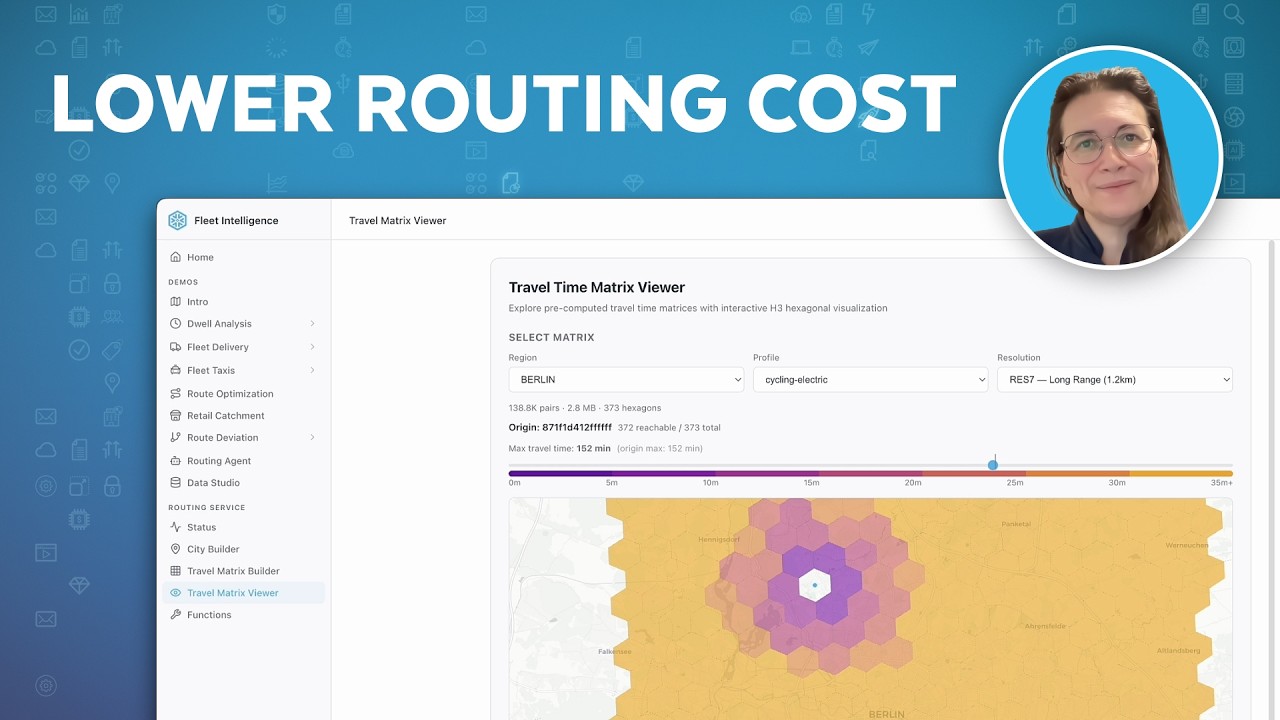
- Matrix Viewer: browse and explore computed travel-time matrices
- Data Studio: generate synthetic telemetry datasets into
SYNTHETIC_DATASETS.UNIFIED - Functions: interactive testing console for all ORS SQL functions
- Diagnostics: system health, server logs, environment info
The consumer-facing analytics app. It presents vehicle/industry-agnostic business-problem dashboards (Live Asset Operations, Trip Inspector, Operator Performance, Demand Density, Top Origins, Dwell and Congestion, Route Deviation, Asset Velocity / Route Optimization, Catchment, Location Diagnostics, Emergency Response) alongside a natural-language chat backed by FLEET_AGENT. Ask a question in plain English and the agent calls the routing tools and semantic views to answer it. Each dashboard surfaces automatically once its underlying data is present.
Open this repo in Cortex Code and type any of these phrases:
| What you want | What to say |
|---|---|
| Deploy the full stack (apps, agents, MCP, engine, dashboards) | install the fleet apps |
| Check environment | check build prerequisites |
| Provision another region / change the map | change location to London |
| Enable cycling profile | change routing profile |
| Generate data for a new region or vehicle type | generate driver locations |
| Replace synthetic data with a real source | SAP connector |
| Add a natural-language routing-agent playground | create routing agent |
| Clean up everything | routing-solution-cleanup |
install the fleet apps is the primary path: it installs the complete agnostic stack and every dashboard, so you do not deploy demos one by one. The phrases above the cleanup row are optional customizations you run only when needed (provision a new region, generate data for another geography, bind real data, or add the routing-agent playground). The San Francisco seed activates the core dashboards automatically.
The solution supports multiple geographic regions simultaneously:
- Deploy the stack (the engine defaults to San Francisco).
- Use "change location to [city]" to provision additional regions.
- The Region Switcher in each app lets you switch between regions.
- Generate data for the new region in Data Studio; the dashboards follow the active region automatically.
Say "routing-solution-cleanup" in Cortex Code to discover and remove all Snowflake objects created by the solution. The cleanup skill supports dry-run mode and per-skill filtering.
.cortex/skills/                    # All Cortex Code skills
  ├── <skill-name>/
  │   ├── SKILL.md                 # Skill definition (YAML frontmatter + instructions)
  │   ├── references/              # Detailed SQL, code, and documentation
  │   └── assets/                  # Notebooks and other deployable artifacts
  ├── install-fleet-apps/          # Primary installer (ORS engine + fleet apps + synapse tools)
  └── evals/                       # Eval framework (trigger, quality, cross-ref)
datasets/                          # Seed data (parquet files loaded during core deployment)
docs/                              # Guides and documentation
logs/                              # Skill execution error logs
archive/                           # Archived and deprecated materials
AGENTS.md                          # AI assistant project guidance
graph TD
    RP[routing-prerequisites] --> IFA[install-fleet-apps]
    IFA --> RC[routing-customization]
    IFA --> RO[route-optimization]
    IFA --> FIT[fleet-intelligence-car]
    IFA --> FIFD[fleet-intelligence-ebike]
    IFA --> RET[retail-catchment]
    IFA --> LD[location-diagnostics]
    IFA --> RD[route-deviation]
    IFA --> RA[routing-agent]
    IFA --> ER[emergency-response]
    IFA --> SFC[sap-fleet-connector]
    RA --> SAP[setup-agent-playground]
    RO --> BM[backload-matching]
    IFA --> BM
    BM --> FX[freight-exchange]
    IFA --> FX
    RC --> FIT
    RC --> FIFD
    RC --> RD
    RD --> DA[dwell-analysis]
Deploy order: top to bottom. Teardown order: bottom to top.
For the full architecture reference (database layout, star schema, object tracking, Control App internals), see docs/ARCHITECTURE.md.
For skill conventions and developer rules, see AGENTS.md.
If you have questions or suggestions about this solution, contact fleet-intelligence@snowflake.com.
Snowflake Skills License © 2026 Snowflake Inc. All rights reserved. See LICENSE for details.