








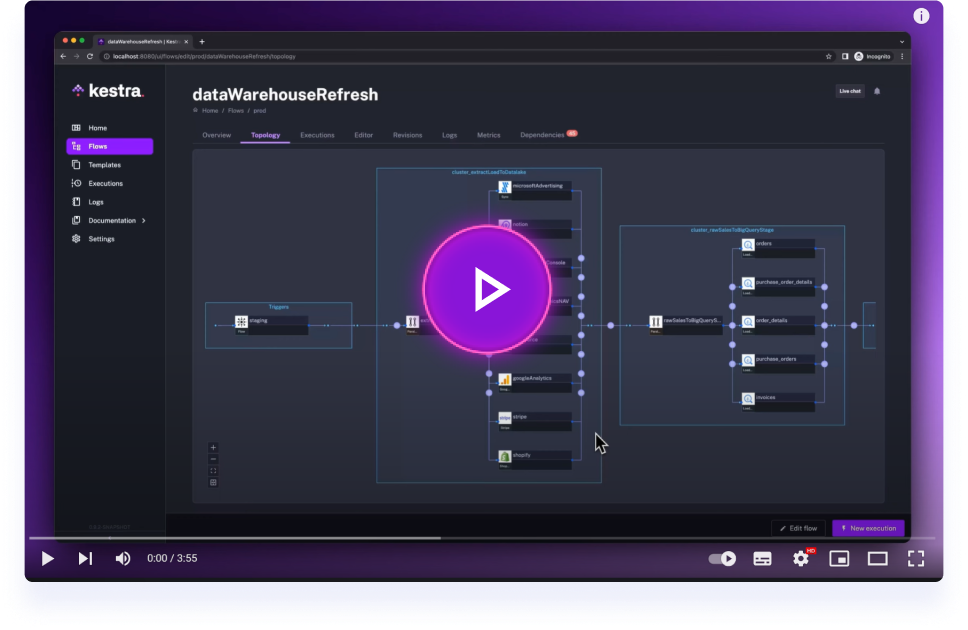
Get started with Kestra in 4 minutes.
The official Kestra Blueprints library can be found under kestra.io/docs.
Blueprints are a curated, organized, and searchable catalog of ready-to-use examples designed to help you kickstart your workflow.
Each Blueprint combines code and documentation and can be assigned several tags for organization and discoverability.
Some blueprints are packaged with Kestra and available in the tutorial namespace. This is a subset of the blueprints labeled "Getting Started".
When contributing Blueprints, please include clear metadata, documentation and runnable examples so other users can quickly understand, configure and run your flow.
Required & recommended fields
id(required): hyphen-case, must match filename.namespace(required): owner/team namespace.tasks(required): fully-defined tasks; adddescriptionper task when behaviour isn't obvious.extend(required): use this metadata block to explain the Blueprint for the catalog UI.title: concise human title (one line).description: long explanation, prerequisites, steps to run, expected outputs, warnings.metaDescription: short summary (<= 160 chars) used for search/cards.tags: categories to improve discoverability.ee: true/false (Flows that require Enterprise Edition).demo: true/false (mark runnable demo flows).
Documentation checklist for each blueprint
- Tasks: include multiple tasks.
- Prerequisites: list required secrets, services, images.
- Secrets: list each secret name and exact purpose (do NOT include values).
- Inputs: document each input (type, default, allowed values).
- Outputs: show primary outputs and example paths (e.g.,
{{ outputs.task.uri }}). - Links: include links to plugin docs or external APIs used.
Style & best practices
- Keep
metaDescriptionshort and searchable. - Title should be human-friendly (not the same as id).
- Put examples for common pitfalls (e.g., enabling schedules, how to set secrets, expressions).
- Avoid hardcoding credentials — use
{{ secret('NAME') }}placeholders. - Add task-level
descriptionfields liberally to explain purpose and side-effects. - Use
pluginDefaultsfor API keys when the plugin supports it, and document the secret names.
Example extend template to copy-paste:
extend:
  title: Short human-friendly title here
  description: |
    Short summary: what the Blueprint does.

    Prerequisites:
      - Secrets:
        - NAME: purpose (required)
      - Services: Redis, Postgres, SMTP, etc.
    Quick start:
      1. Set secrets
      2. Upload flow
      3. (Optional) Enable schedule and run
    Expected outputs:
      - outputs.my_task.uri: CSV file with results
  tags:
    - Getting Started # Check Blueprints page or other Blueprints for all possible tags
  ee: false
  demo: true
  metaDescription: One-line summary suitable for search (<=160 chars)
Thank you for contributing — clear docs make Blueprints far more reusable, so be as detailed as you can :D
Sanity checks in Kestra are test flows used to verify functionality of plugins and tasks:
Structure:
- Plugin sanity checks: Flow ID is the task name, namespace "sanitychecks", and include Assert tasks to test task outputs.
- Flow sanity checks: Flow ID mentions main tasks, namespace "sanitychecks"; they test the complete workflow (always self-contained)
External Dependencies:
- OSS services: Use Docker Run/Stop tasks
- Cloud services: Leverage sandbox environments when possible
- SaaS/License services: Not currently supported (or hard-coded credentials from demo accounts)
Organization:
- All sanity checks are synced to the blueprint repository
- Plugin checks: Located in plugin repos, pulled to blueprint repo via CI/CD
- Flow checks: Written directly in blueprint repo into the
sanitychecks/flowsfolder. Blueprints withdemo: trueare also synced intosanitychecks/flows/blueprints
Please check the full Notion page for full information