



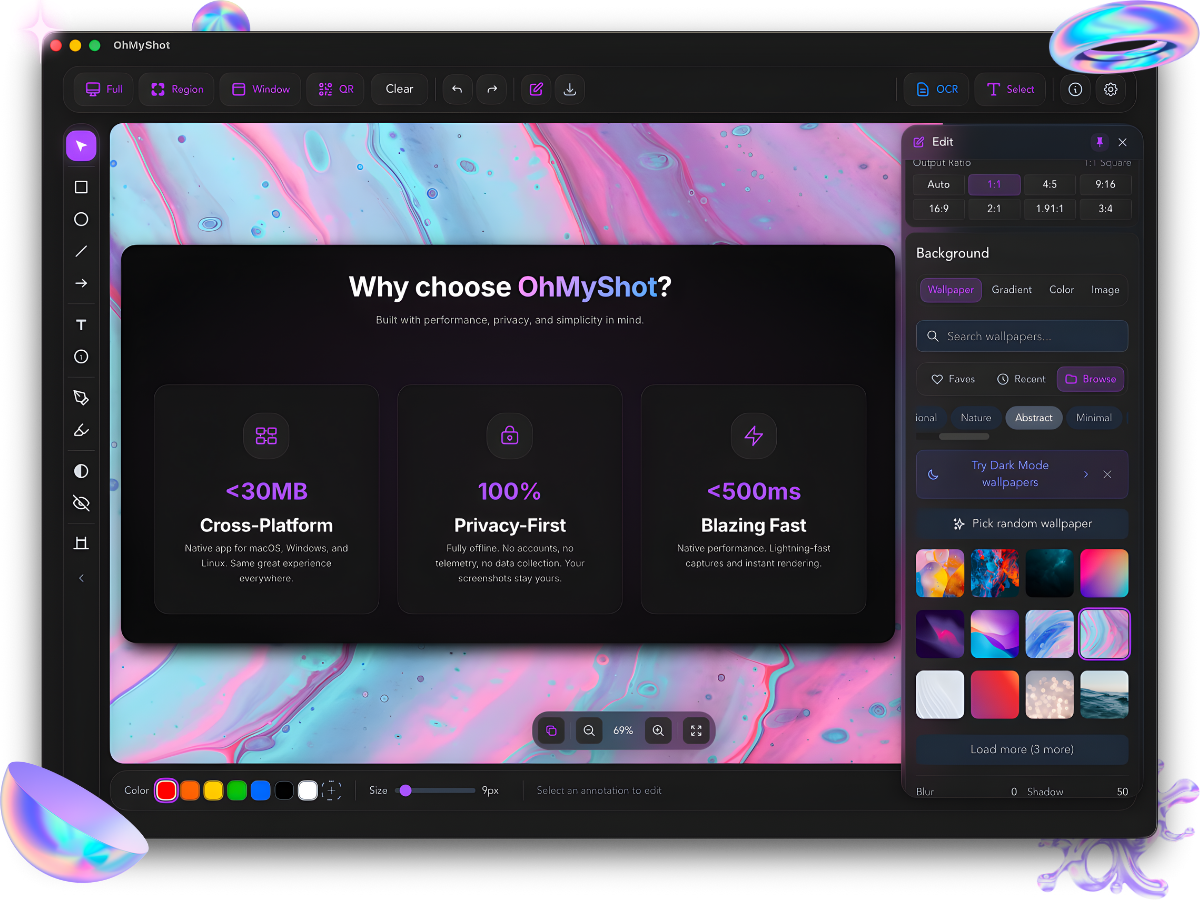
Beautiful screenshot beautifier for macOS, Windows, and Linux.
- Reliable macOS OCR and Quick Capture — Region selection waits for shortcut keys to be released, including repeated captures.
- Correct clipboard result — OCR copies text, while Quick Capture copies the selected image.
- Reliable Windows region capture — Repeated captures no longer lose screenshot data while the selection window closes.
- Combine screenshots — Add multiple screenshots and make one combined image inside OhMyShot.
- No more Paint workaround — Arrange screenshots as Auto, Row, or Column directly from the Export panel.
- Copy fix — Copying a beautified screenshot with a background no longer stays loading forever.
- Better reliability — Combined images work more reliably with screenshots pasted from different apps.
- Annotation defaults — Save your preferred text, shape, and arrow styles for the next annotation.
- Line styles — Use solid, dashed, and dotted lines for arrows, lines, rectangles, and ellipses.
- Curved arrows — Add adjustable curved arrows for clearer callouts.
- Watermarks — Add resizable text or image watermarks to screenshots.
- 📸 Screenshot capture (full screen, region, window)
- 📜 Scrolling screenshot (auto-stitching)
- 🌐 Screen translation
- 🎥 GIF screen recording
- 🎨 Beautiful backgrounds, gradients, borders, shadows
- ✏️ 10+ annotation tools (arrow, text, rectangle, circle, line, freehand, blur, highlighter, numbering, callout)
- 🗂️ Annotation layers panel
- 📌 Pin screenshots (always-on-top)
- 📚 Template library
- 🧩 Combine multiple screenshots into one image
- 🖼️ Export to PNG, JPEG, modern compressed image format, GIF
- 📝 Custom filename templates
- 💧 Watermark (text + image/logo)
- 📋 Annotation copy/paste
- 🌍 19 languages supported
- 🔄 Auto-update
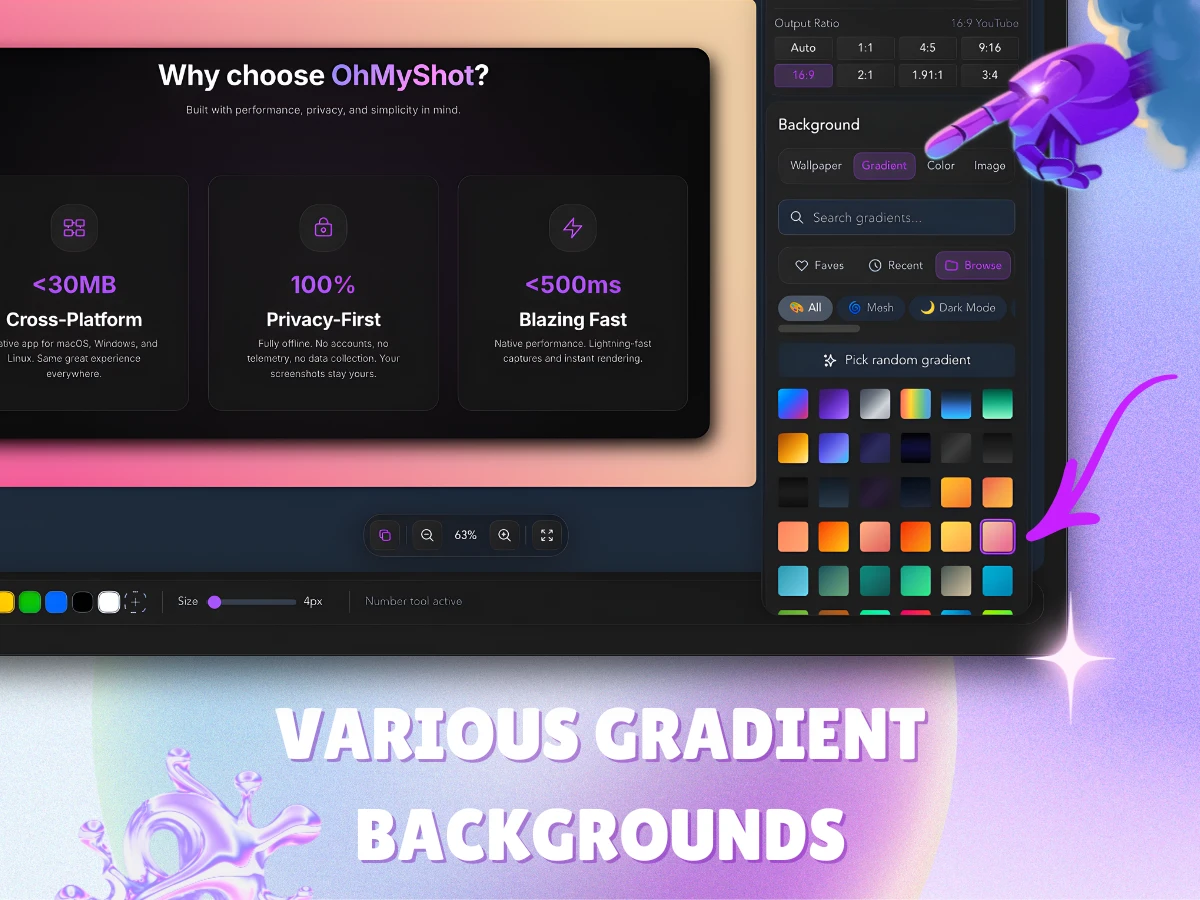
Professional gradient backgrounds
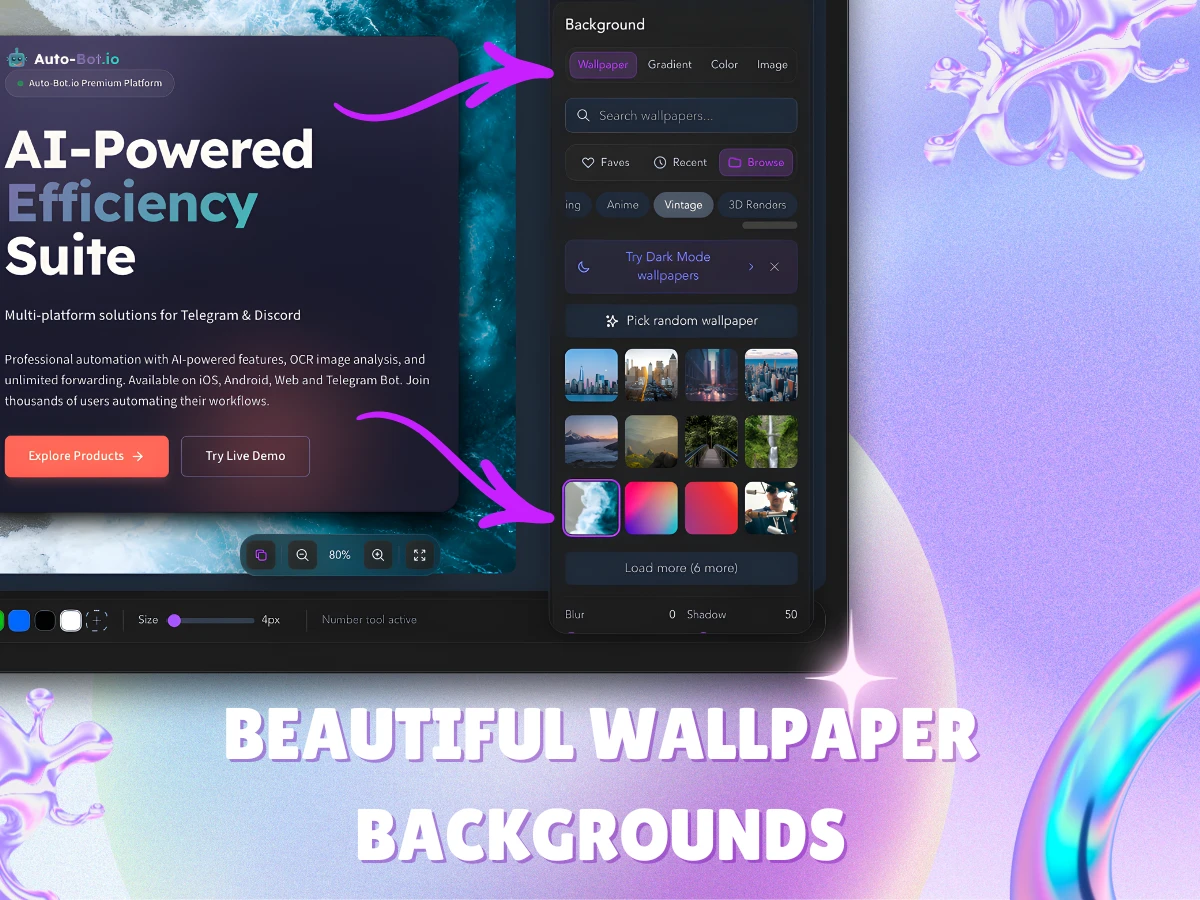
Custom wallpaper backgrounds
| Shortcut | Action |
|---|---|
| ⌘⌥3 | Screenshot region capture |
| ⌘⌥4 | OCR Direct Capture (select & extract text) |
| ⌘⌥5 | Quick Capture Mode |
| E | Toggle Edit Panel |
| X | Toggle Export Panel |
| M | Toggle Minimal Mode |
| [ | Collapse/Expand Toolbar |
| ? | Show all shortcuts |
| Platform | Download |
|---|---|
| macOS (Apple Silicon) | GitHub · CDN |
| macOS (Intel) | GitHub · CDN |
| Windows (Installer) | GitHub · CDN |
| Windows (MSI) | GitHub · CDN |
| Linux (AppImage) | GitHub · CDN |
| Linux (Debian/Ubuntu) | GitHub · CDN |
| Linux (Fedora/RHEL) | GitHub · CDN |
⚠️ Windows Note: You may see a SmartScreen warning. Click "More info" → "Run anyway" to proceed.
- Download the
.dmgfile - Open and drag OhMyShot to Applications
- If macOS shows "The application can't be opened":
- Terminal (Recommended): Open Terminal and run:
bash xattr -cr /Applications/OhMyShot.app - Right-click: Right-click the app → Open → Open
- System Settings: Go to System Settings → Privacy & Security → click "Open Anyway"
- Download the
.exeinstaller - Run the installer
- Follow the installation wizard
# Debian/Ubuntu
sudo dpkg -i OhMyShot_1.25.8_amd64.deb

# Fedora/RHEL
sudo rpm -i OhMyShot-1.25.8-1.x86_64.rpm
OhMyShot is privacy-first:
- No analytics or tracking
- No telemetry
- No account required
- Works offline by default (Cloud Upload is optional)
If you enable Cloud Upload, your screenshot is uploaded to ImgBB to generate a shareable link.
See our Privacy Policy for details.
See CHANGELOG.md for version history.
© 2026 RedFox Team. All rights reserved.
Website: ohmyshot.app